What's next for Learn Bamum
A return to regular updates, beginning with the dictionary.
Read article : What's next for Learn BamumKeyboard Bamum (Tramel Woodard) for Windows.
Keyboard detailsArticles on learning, writing and using Bamum.
Read the newsA return to regular updates, beginning with the dictionary.
Read article : What's next for Learn BamumBamum keyboard for Windows
Write messages, correspondence, and longer pieces in Bamum.
Use Woodard spellings to enter characters and supported words.
Windows 11 · x64 · Version 0.1.7 · Unsigned development build
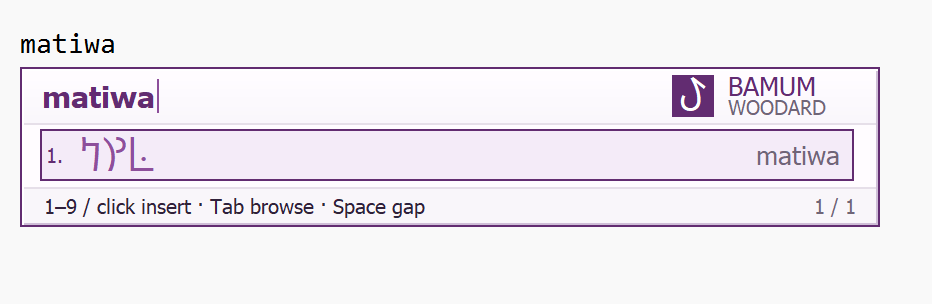
Use Woodard spellings for Bamum characters and supported words.
Browse with Tab. Pick a candidate with a number key or a click.
Insert your selection with Enter, or use Space to add a word gap.
Writing with the keyboard
Enter a Woodard spelling to see the available matches.
ma.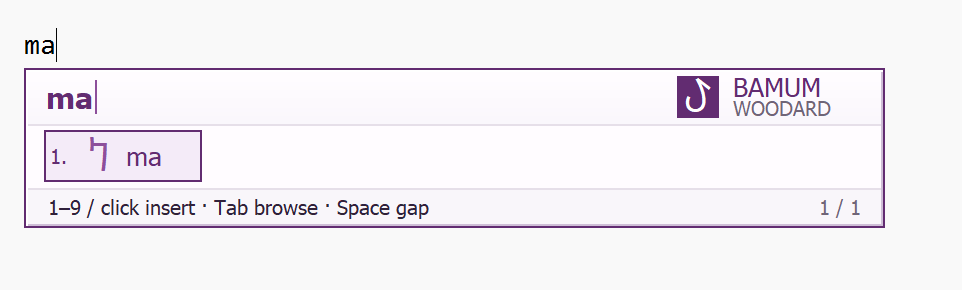
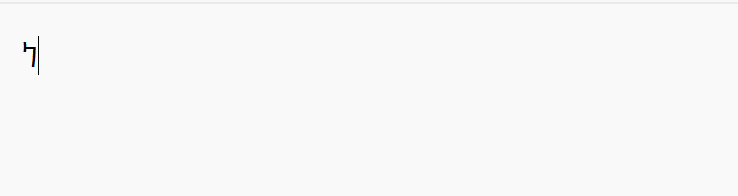
matiwa.
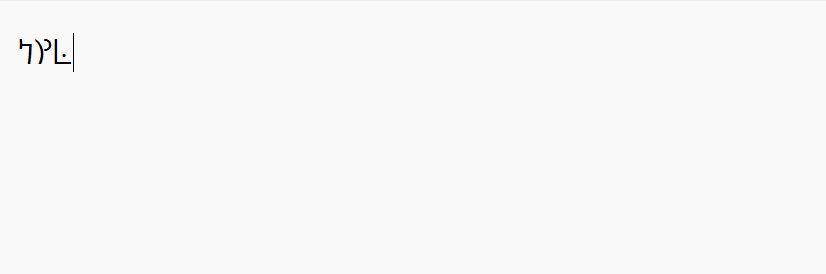
These screenshots show the keyboard in use. Select any image to see it at full size.
Windows setup
Install the keyboard, enable it for your Windows account,
then switch to Bamum when you want to type.
Open the downloaded installer and choose Install.
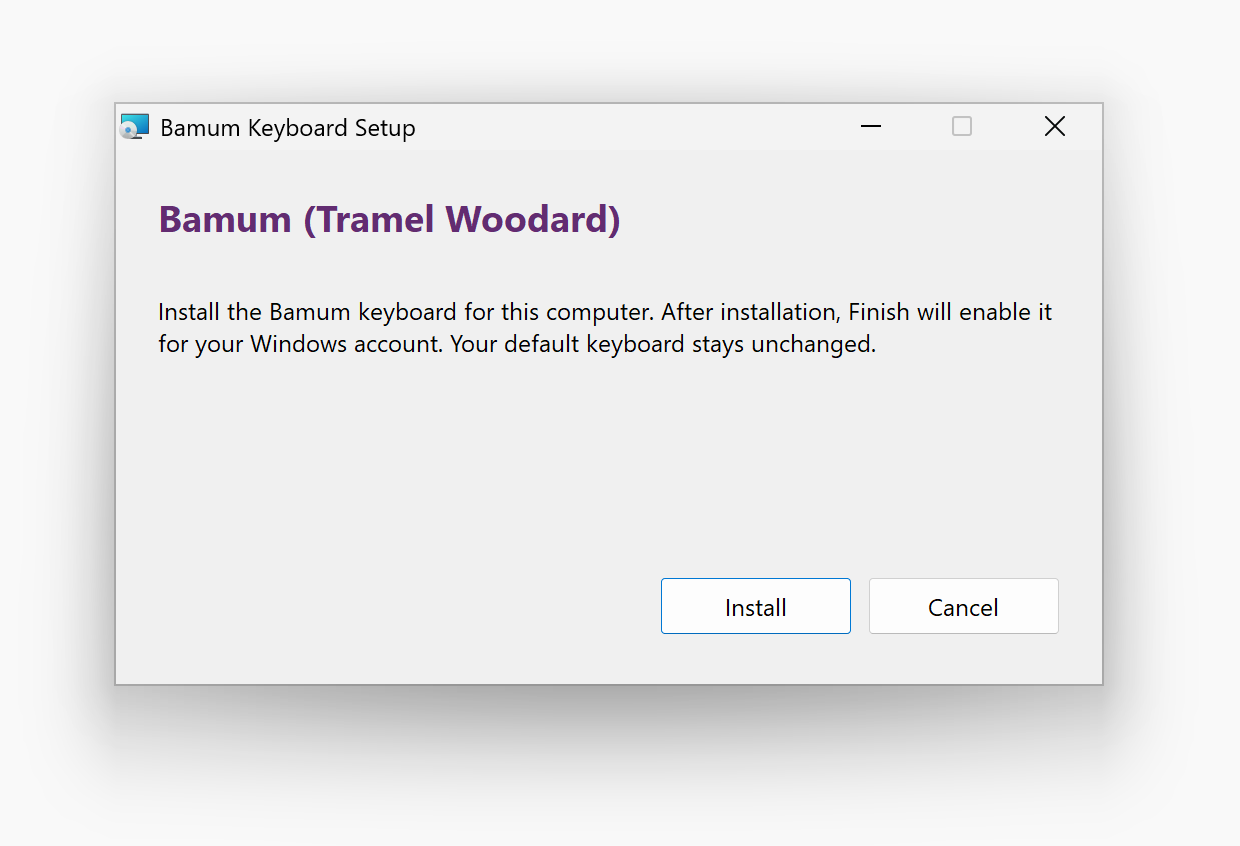
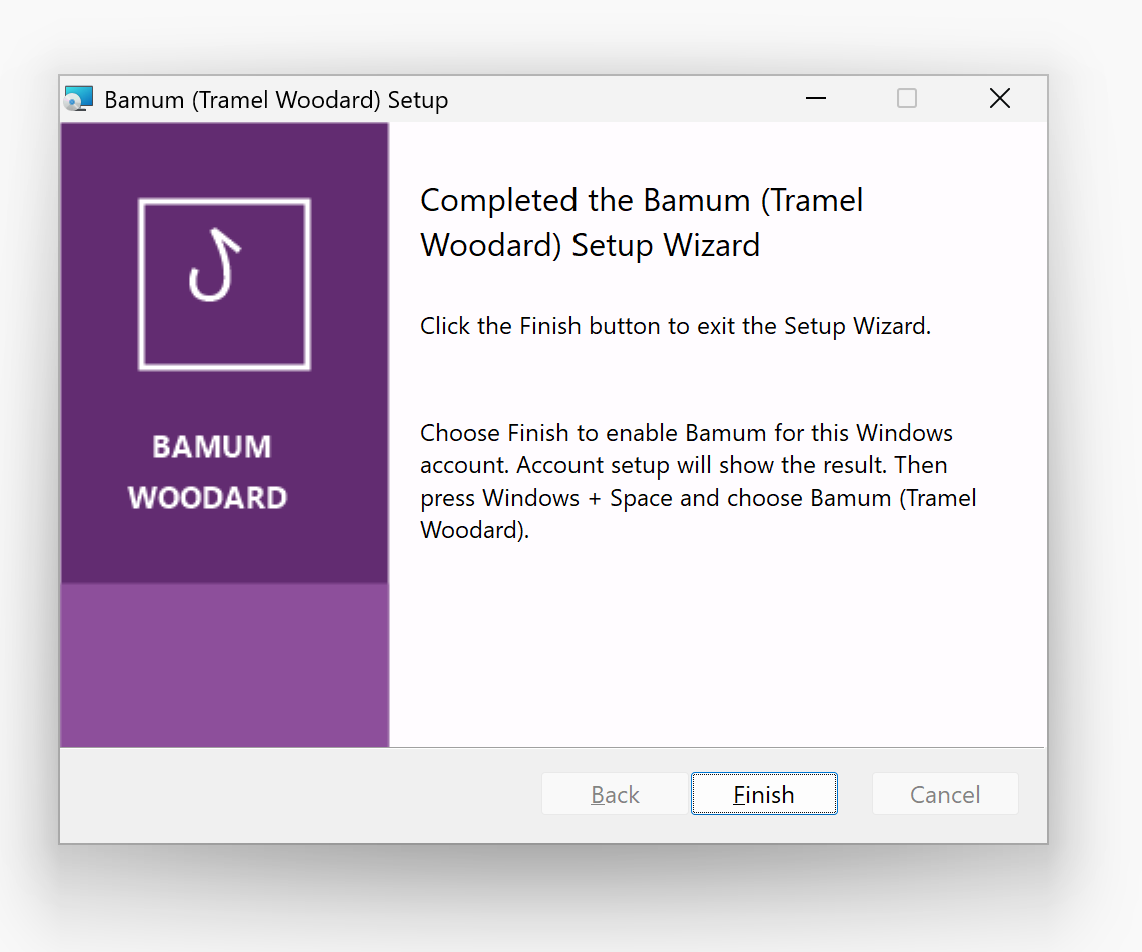
Choose Finish to enable Bamum for this Windows account.
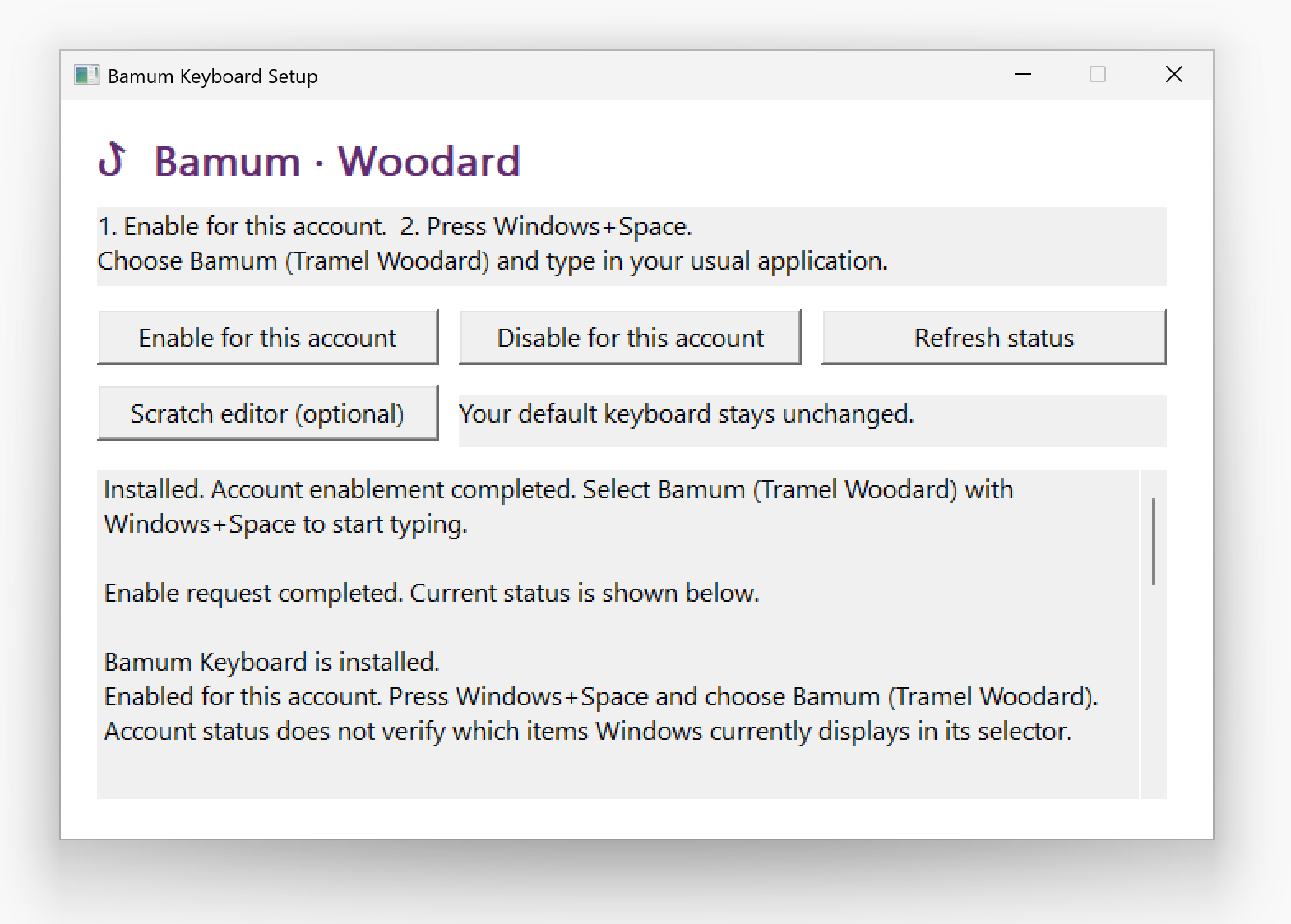
The setup window shows your status. If needed, choose Enable for this account.
Press Windows + Space and choose Bamum (Tramel Woodard).
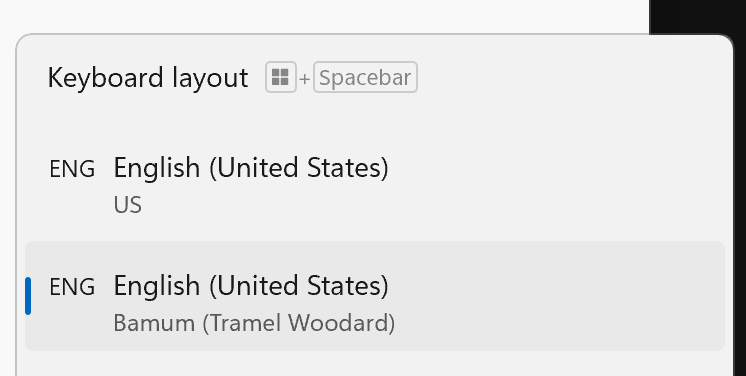
Keep your usual keyboard, too. Switch back at any time with Windows + Space.
If an already-open application still shows an older keyboard, close and reopen it before trying again.
Resources
Keep the character chart and phrase collection close at hand
as you write.